

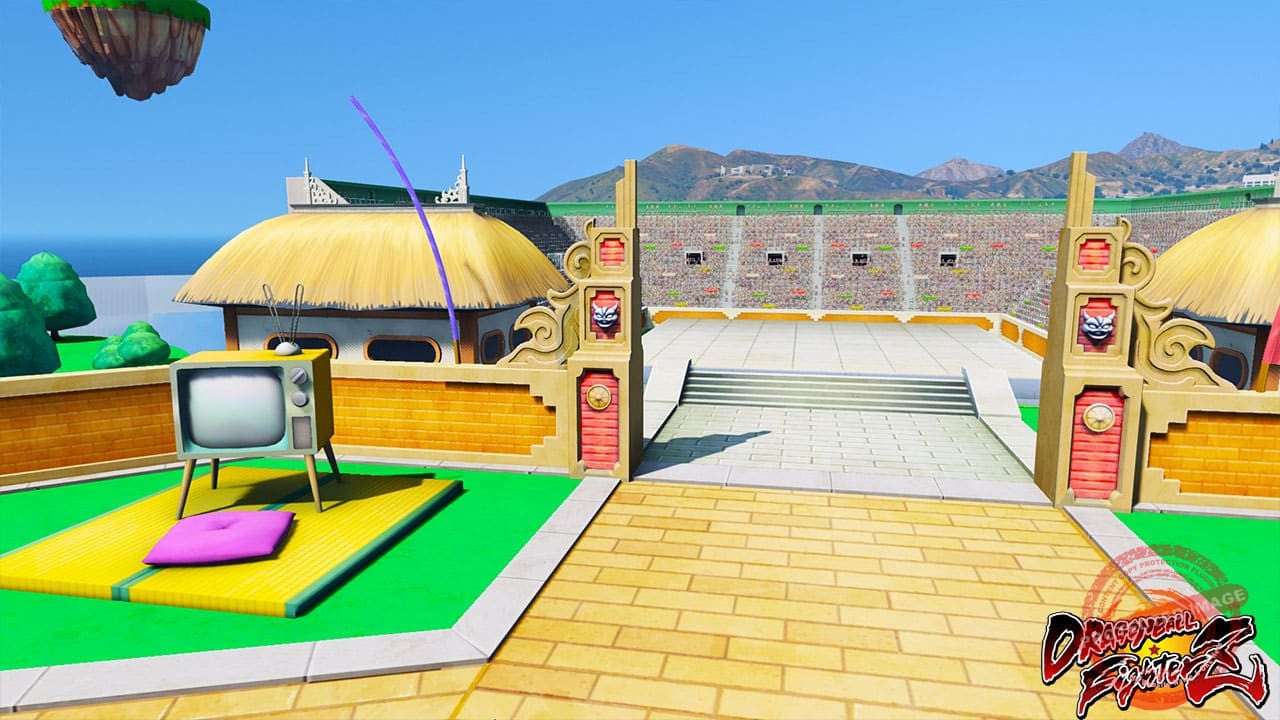
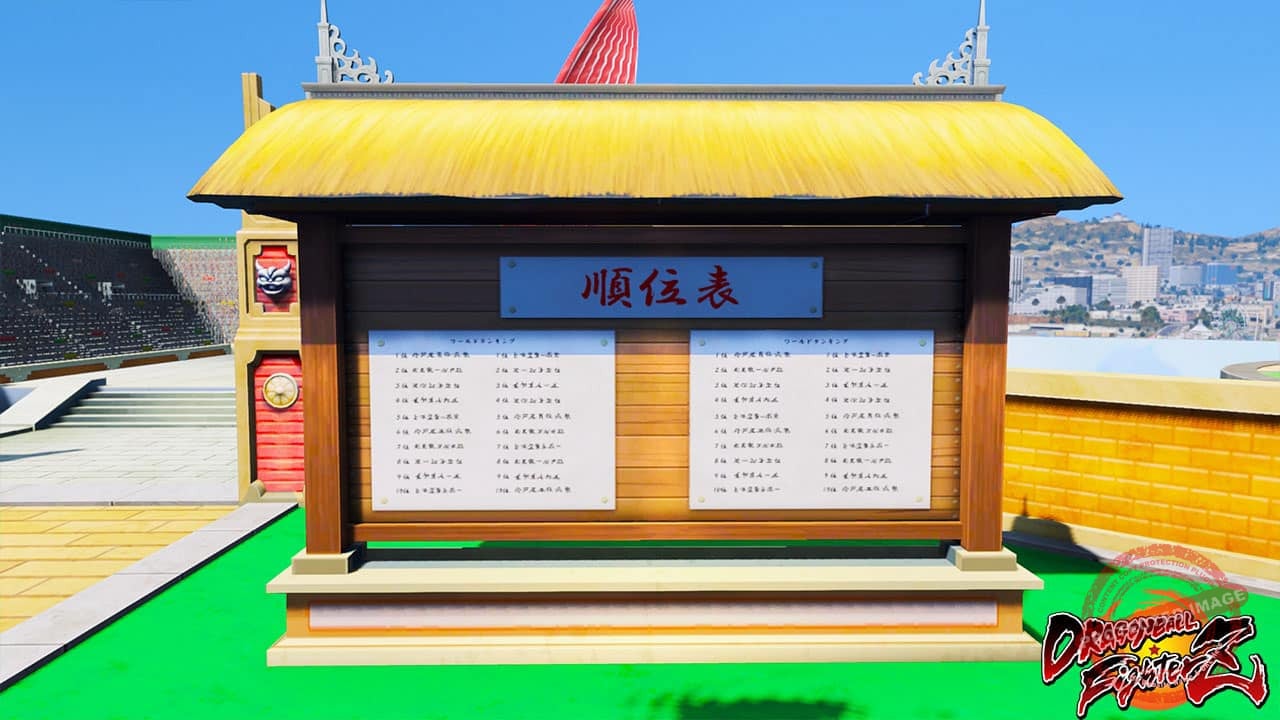
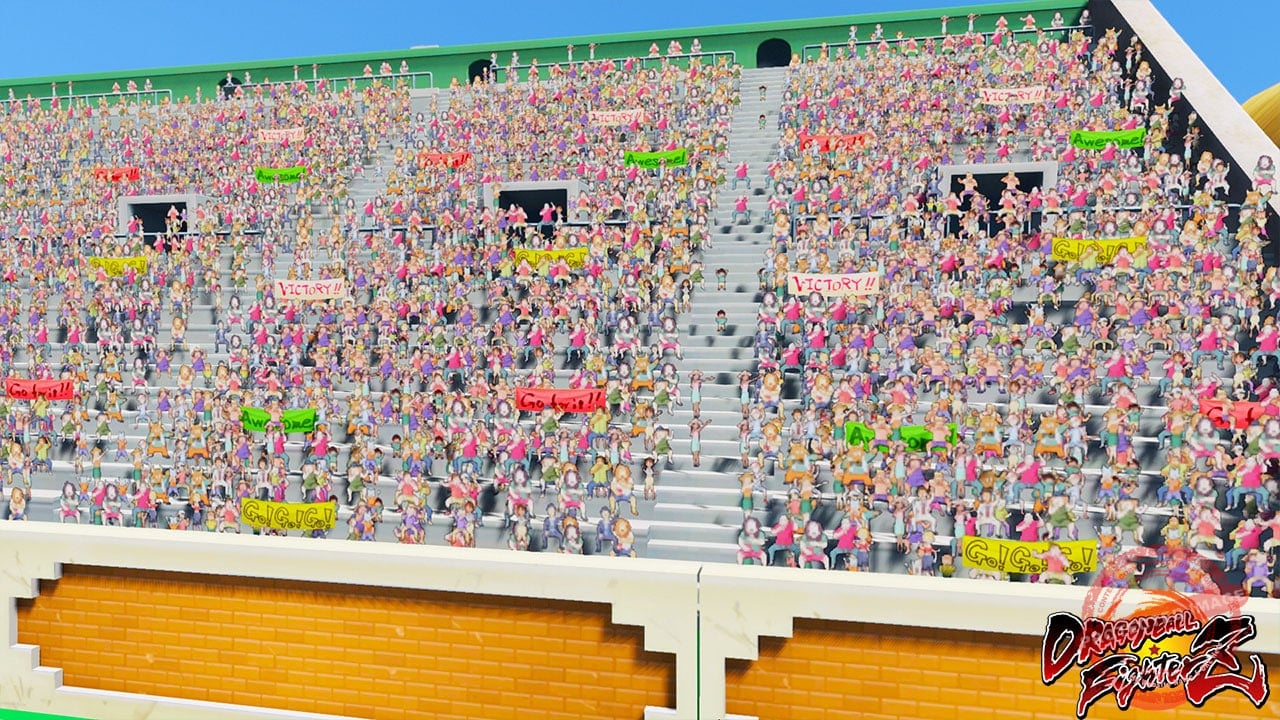
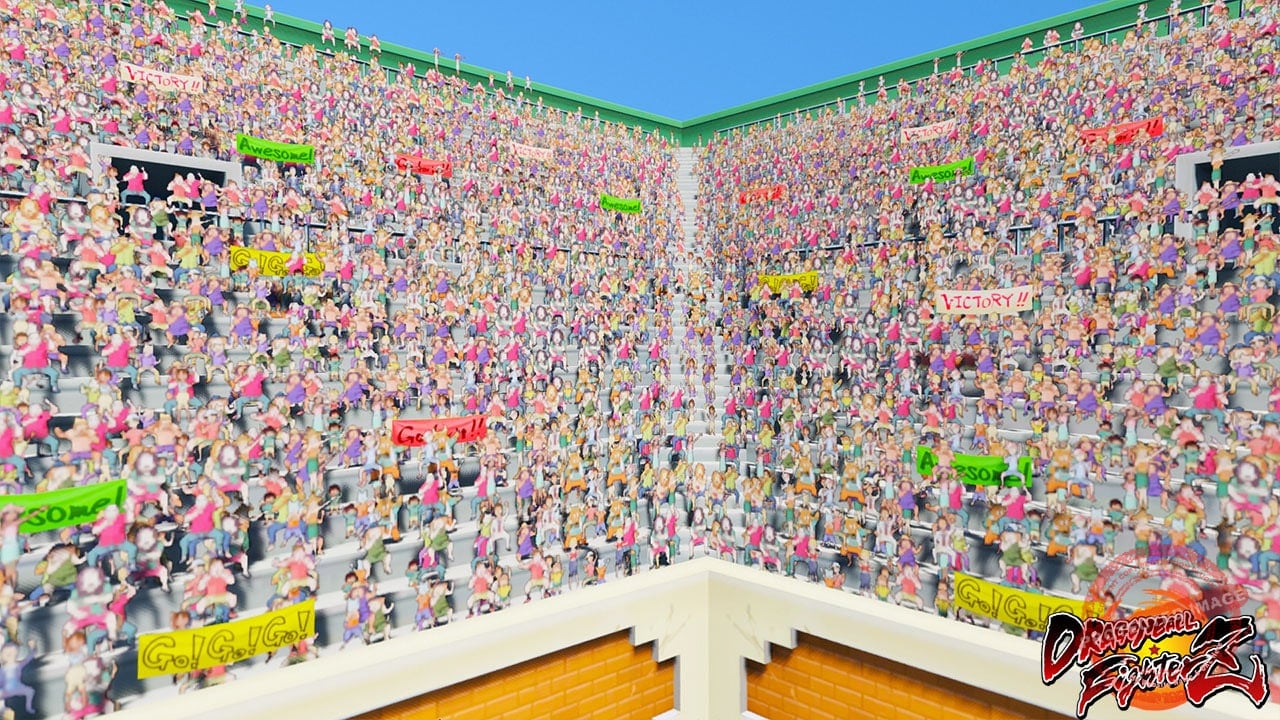
GTA 5 Mods DBFZ Lobby Map
Instructions:- Please remove all old maps that you have installed at our website to avoid map conflicts !!!
- Extract the downloaded file, copy “dbfzlobby.xml” to Grand Theft Auto V\menyooStuff\Spooner
- Go to Grand Theft Auto V\update\x64\dlcpacks, then create a folder name “dbfzlobby”
- Drag and drop the dlc.rpf into the folder you just created in OpenIV
- Open up the Grand Theft Auto V\update\update.rpf\common\data\dlclist.xml and add this line “
- dlcpacks:\dbfzlobby\
” (without quotes) before the - Enter the game > Open Menyoo > Object Spooner > Manage Saved Files > dbfzlobby> Teleport to reference > Enjoy !
This pack included:
- DBFZ Lobby Map
Password to unlock: gta5modaz.com


 https://gta5modaz.com/product/gta-5-mods-dbfz-lobby-map/?feed_id=5764&_unique_id=61b5ff4cbf9a2

No comments:
Post a Comment